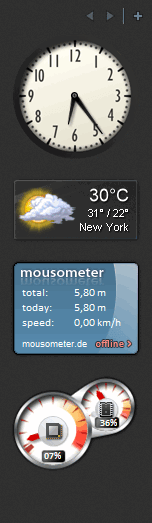
It's hard not to feel nostalgic about desktop gadgets originally introduced in Windows Vista, preserved in Windows 7, but discontinued in later versions of Windows. They performed various tasks such as displaying notes, the time and date, and system resource usage. However, don't say goodbye to them just yet...
Reviving classic desktop tools
8GadgetPack is a free tool which enables Windows 8, 10, and 11 users to run some of the original gadgets for Windows Vista and Windows 7, along with user-made gadgets that monitor system performance and provide useful info on the side of your screen.Installation and available options
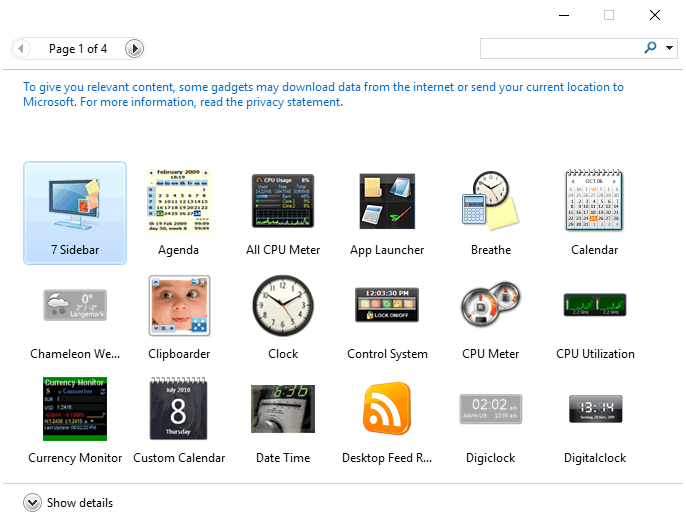
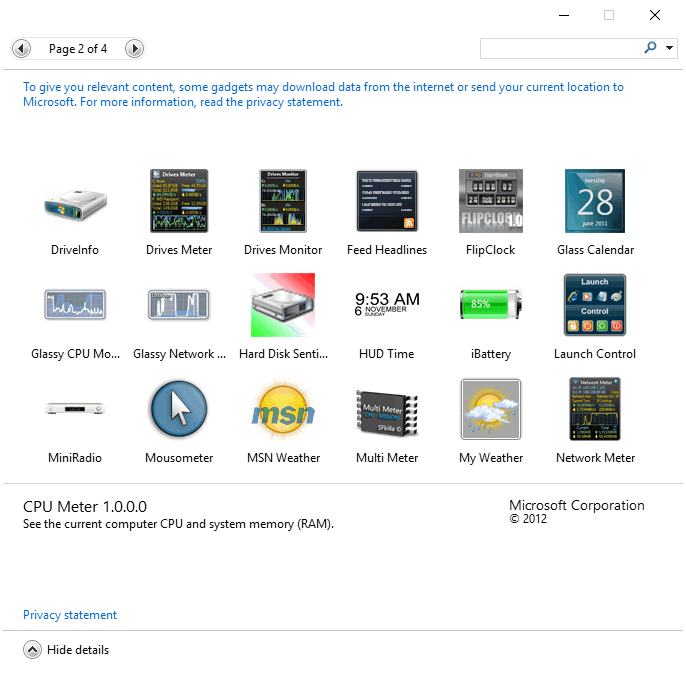
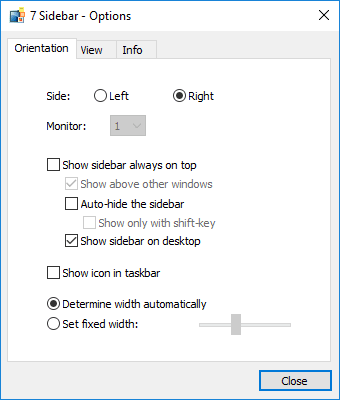
Adding gadgets is as easy as dragging and dropping them from the list to your screen. Currently, there are more than 50 gadgets to choose from, ranging from calendars, clocks, and resource monitors to unit converters, notes, and weather information. They can be arranged in a sidebar on your desktop or dragged to any location on your screen. You can also easily make them appear on top no matter which app you have open.Simple and ad-free experience
There are no ads or filler content which would make the app annoying or difficult to use. It's as simple as the original platform developed by Microsoft, and it can be quite useful for those who enjoyed this feature on Windows Vista or Windows 7. However, the current choice of gadgets doesn't provide much diversity and there is nothing we haven't seen already. The app would be a must-have if new gadgets were released often enough.